- Home
- How it works
How Dayo works
Buy in the app, install at home in two minutes, and you are online when the wheels touch down. Here is every step, so nothing surprises you.
 1
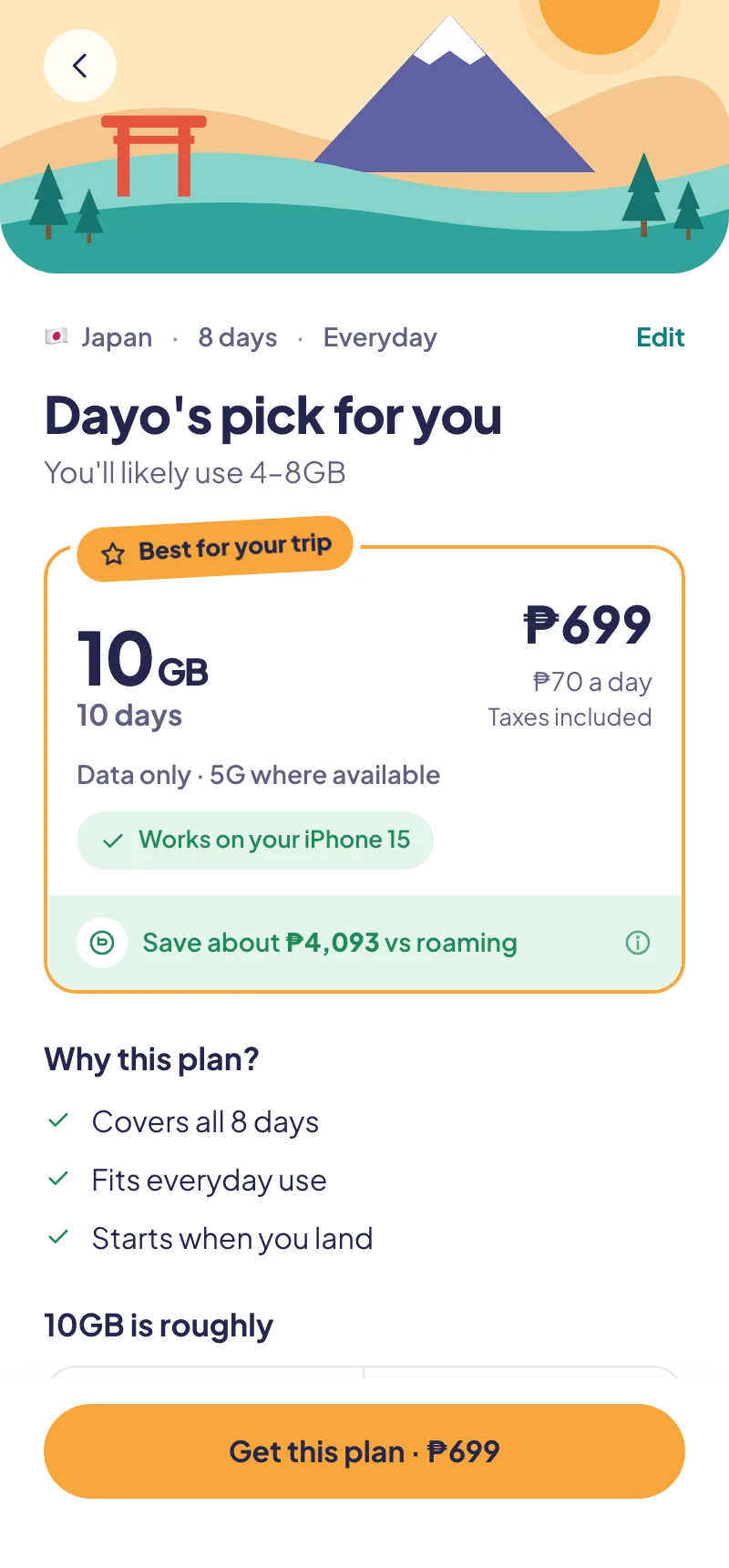
1Tell us the trip
Where, when and how you use your phone. Dayo suggests a plan, checks that your phone supports eSIM and shows what you save against roaming.
 2
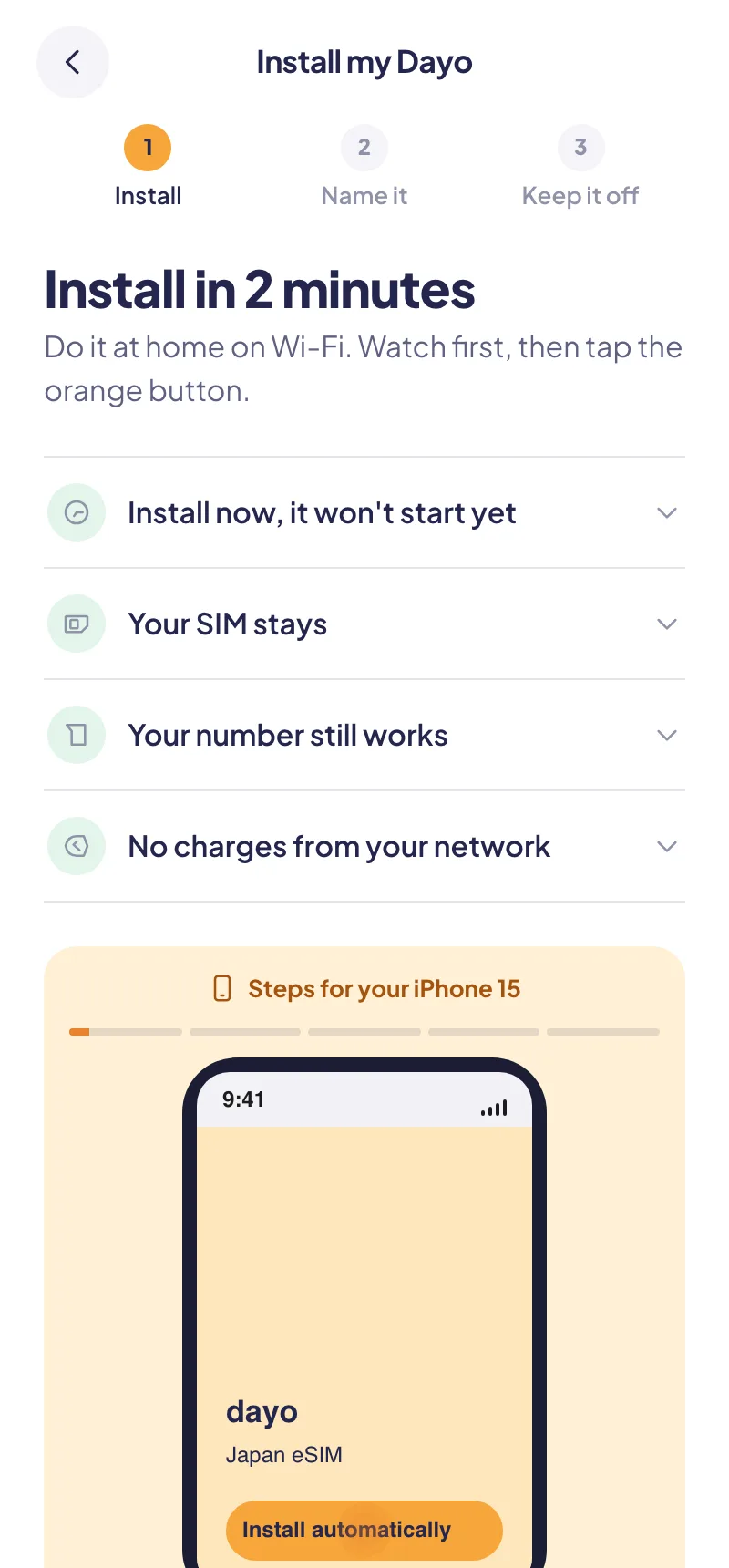
2Install before you fly
On home Wi-Fi, a day or more before your flight. Installing does not start your plan.
 3
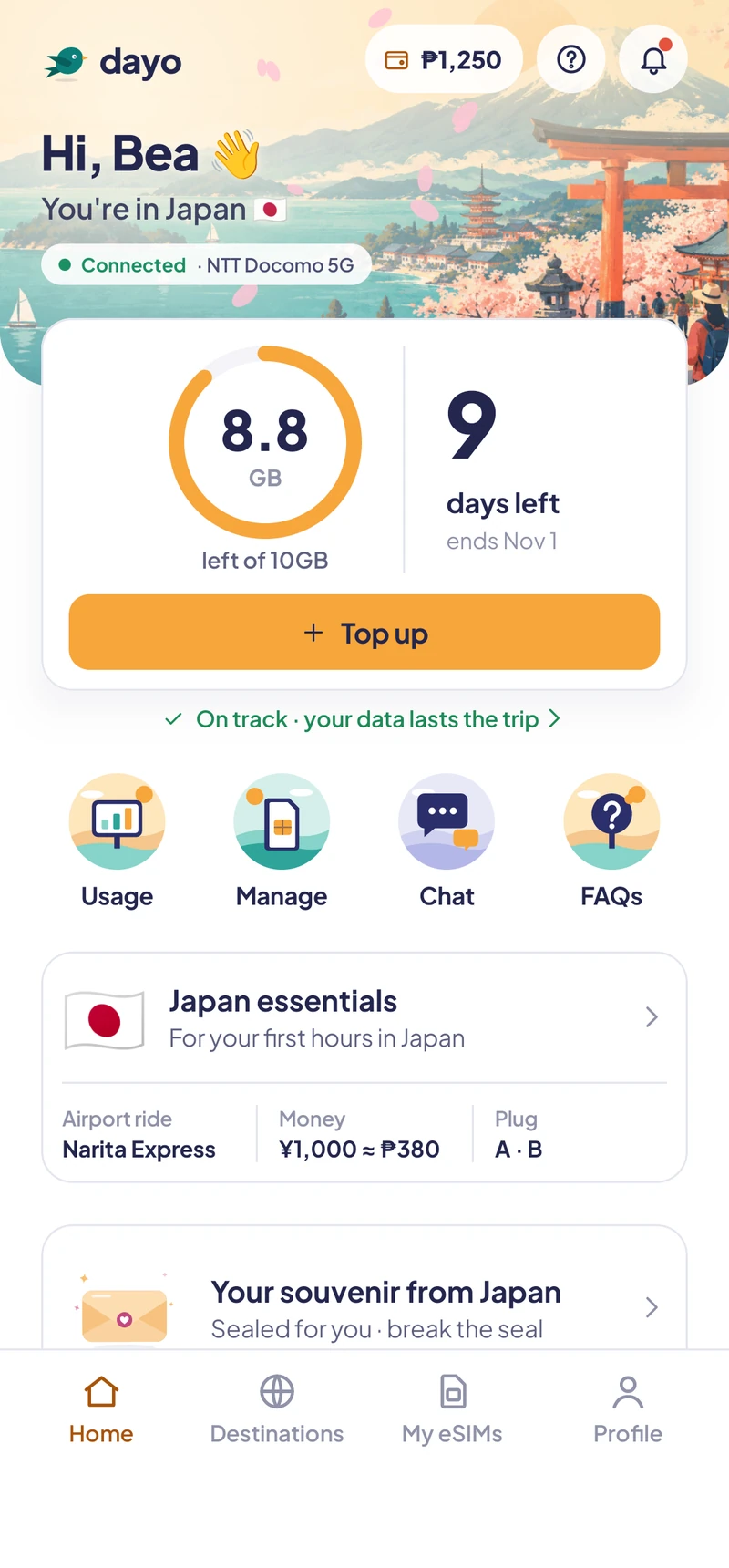
3Land and you're online
Turn Dayo on as your data line when you land. Your plan's days start the first time it connects.
Installing your eSIM
The app does most of this for you with an Install button. If you ever need to do it by hand, these are the steps.
On iPhone
- Open your Dayo eSIM in the app
Tap Install now. iPhone opens its own setup screen.
- Add the eSIM
Follow the prompts. When asked, label it Dayo so it is easy to find.
- Keep your home line for calls
Set your home SIM as the default line for calls and texts, and Dayo for mobile data.
- Leave Dayo off until you land
In Settings › Cellular, turn the Dayo line off. Turn it on when you arrive.
On Android (Samsung, Pixel and others)
- Open your Dayo eSIM in the app
Tap Install now, or scan the QR code from another screen.
- Download the eSIM
Your phone adds it under Settings › Connections › SIM manager (Samsung) or Settings › Network › SIMs (Pixel).
- Choose lines
Home SIM for calls and texts, Dayo for mobile data.
- Leave Dayo off until you land
Switch it on in the same SIM settings when you arrive.
When you land
Most people are online before they reach immigration.
- Turn on the Dayo line
And turn on Data Roaming for Dayo only. It is not roaming on your home network, so there is no extra charge.
- Keep roaming off on your home SIM
This is what stops surprise bills from your home network.
- Not connecting?
Restart once with Dayo on. Still nothing? Open chat in the app and a real person helps, 24/7.
- Running low
The app tells you if your data will last the trip. Top up in a tap, or switch to a bigger plan.
Will my phone work?
Most phones from the last few years support eSIM. Phones bought locked to a carrier may need unlocking first.
Your next trip starts here
Dayo is coming to iPhone and Android. Join the beta waitlist and we'll email you an invite to try it before your next trip.

You're on the waitlist
We'll email you when your Dayo beta invite is ready.